PATRONUM
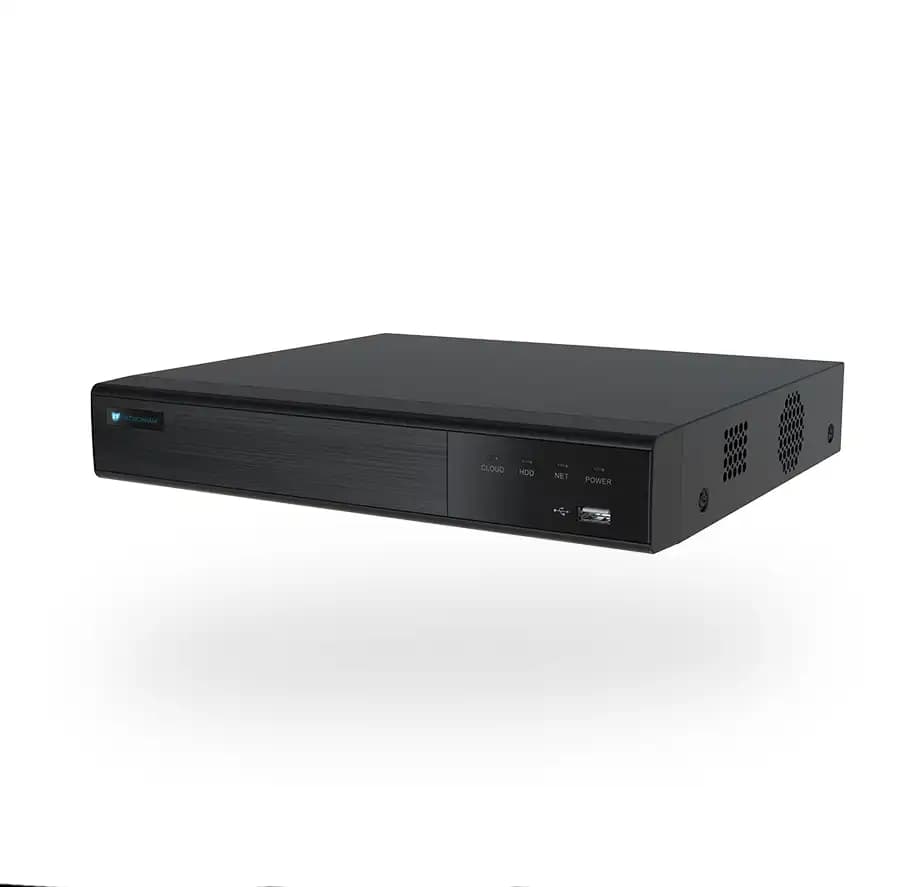
PRNVR9P4 — 9 Channels, 4 PoE Ports
9-channel AI network video recorder with 4 PoE ports. AI analytics run on the recorder — so you get advanced detection even with non-AI cameras. ONVIF Profile S/T/G compatible. P2P remote access from mobile and desktop. Free firmware updates.
Kompatibilní příslušenství.
Co skutečně umí.
AI on the recorder, not just on the camera
The PRNVR9P4 is more than storage — it runs AI analytics on every connected stream, so you can upgrade an existing fleet of standard IP cameras with person/vehicle/face detection without replacing the cameras themselves. Mix PATRONUM AI cameras with any ONVIF-compliant device.
What you get
- Up to 9 IP cameras, each up to 12 MP / 30 FPS
- 4 built-in PoE ports (15 W per channel) — power and data on a single cable
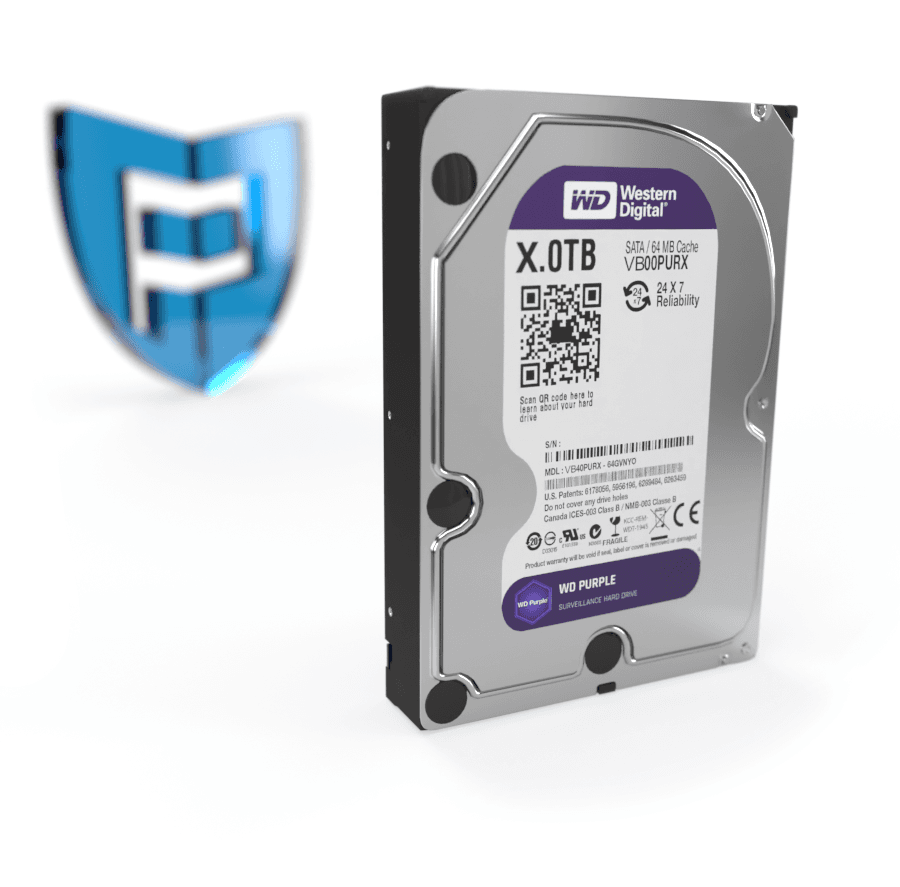
- SATA slot for HDDs up to 10 TB
- SSL-encrypted streams, free P2P remote access (no port forwarding required)
- H.265+ / H.264+ for efficient long-term storage
- Loop recording with intelligent retention
Compatibility
- ONVIF Profile S/T/G — works with virtually any IP camera
- Synology, LOXONE, FIBARO and other home-automation systems
- Web UI in English + 20 other languages
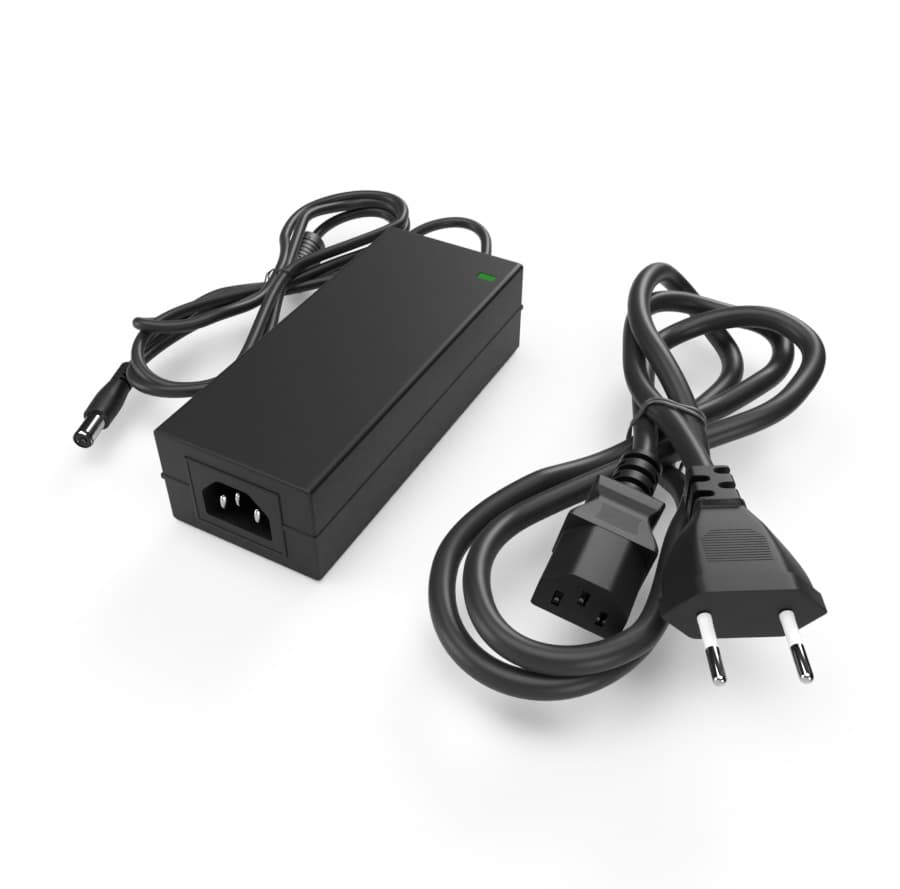
Includes power supply, USB mouse, mounting screws. 24 + 12 month warranty, free firmware updates and PATRONUM Care service package.
Postavený pro tisíce hodin záznamu. Bez ztráty kvality.
Detekce na NVR
AI běží v rekordéru — pracuje i s kamerami bez vlastní AI. Push notifikace na mobil.
Bez veřejné IP
Mobile aplikace BitVision se připojí přes unikátní SN — bez port forwardingu.
Funguje s libovolnou kamerou
ONVIF Profile S/T/G — připojíte i kamery jiných výrobců přes standardní protokol.
Every parameter, in detail.
Zapadne do toho, co už máte.
Co najdete v krabici.
Na co se zákazníci ptají nejčastěji.
Máte dotaz na konfiguraci nebo HDD? Naši technici poradí v pracovní dny 8:00–17:00.
Kontaktovat podporuCo říkají zákazníci, kteří si produkt už koupili.
Zatím žádné recenze. Buďte první po nákupu.
Datasheet, manuál a firmware.
Guides and articles, that may help.
Setting up a BitVision account and adding a device
BitVision is a cloud platform for managing PATRONUM cameras via mobile and PC. This guide walks you through account registration, adding a device by QR code, and starting remote monitoring.
Night vision types — IR, Smart Light, Color24 and Dual Light
What does a camera really see at night? A comparison of technologies — classic IR (black & white), Smart Light (color with floodlight), Color24 (color in minimal light) and Dual Light (combination). When to choose which?
AHD camera system installation
Complete AHD camera system installation guide — camera mounting, cable selection, recorder connection, monitor setup and initial configuration. Step by step with practical tips.
Configuration of IP camera system with PoE switch
Step-by-step guide to configuring an IP camera system with a PoE switch — IP address setup, NVR pairing, and troubleshooting common issues.
Mounting a security camera on an insulated facade
How to install a security camera correctly on an insulated facade — from preparing the mounting plate to protecting the cable connections.
How to secure cameras against hacking — practical checklist
An IP camera with the default password is exploitable on the internet within 24 hours. The guide walks you through 10 concrete steps — strong password, up-to-date firmware, isolated VLAN, UPnP off, two-factor auth.