PATRONUM
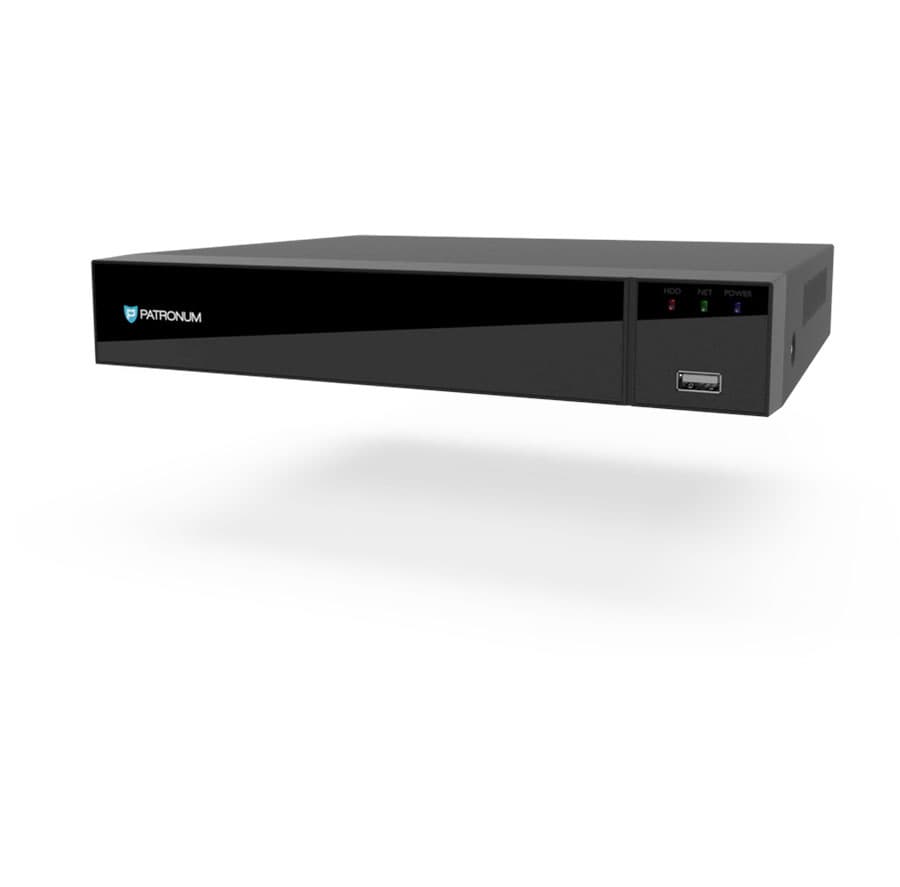
PRXVR4H — 4-Channel Hybrid Recorder
Hybrid network video recorder. Supports both AHD (coax) and IP cameras in one device. ONVIF Profile S/T/G. Free P2P mobile access via BitVision (no public IP required).
Upozorníme Vás emailem, jakmile bude produkt opět skladem.
Kompatibilní příslušenství.
Co skutečně umí.
Hybrid AHD + IP recording in one device
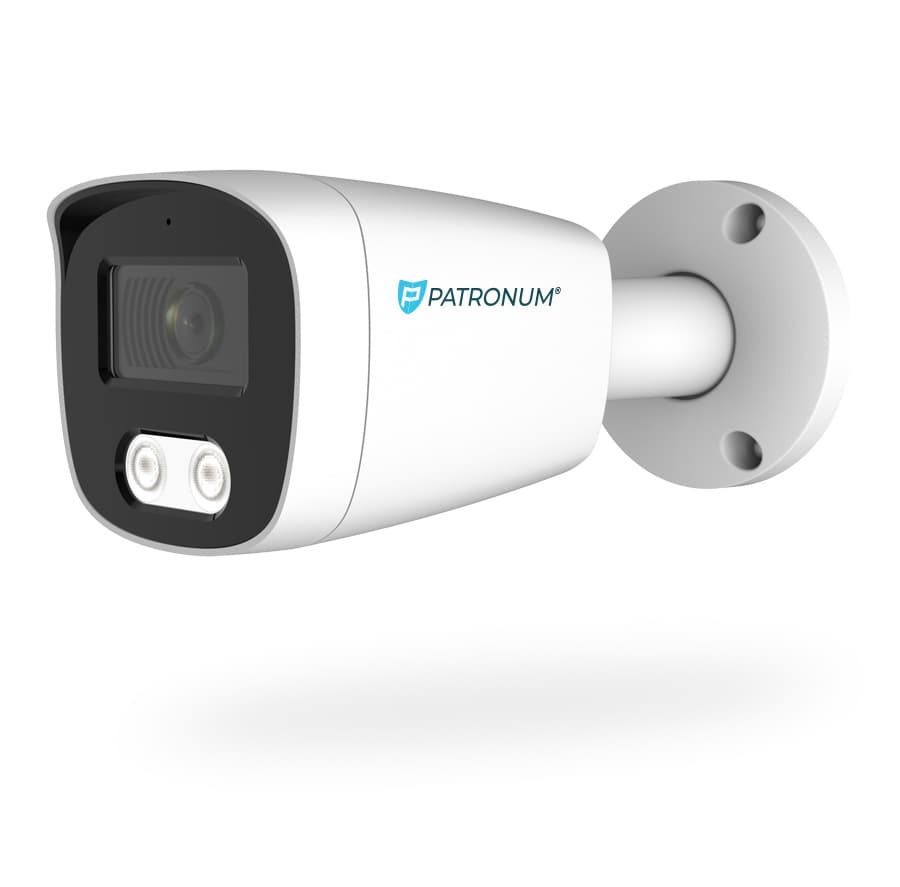
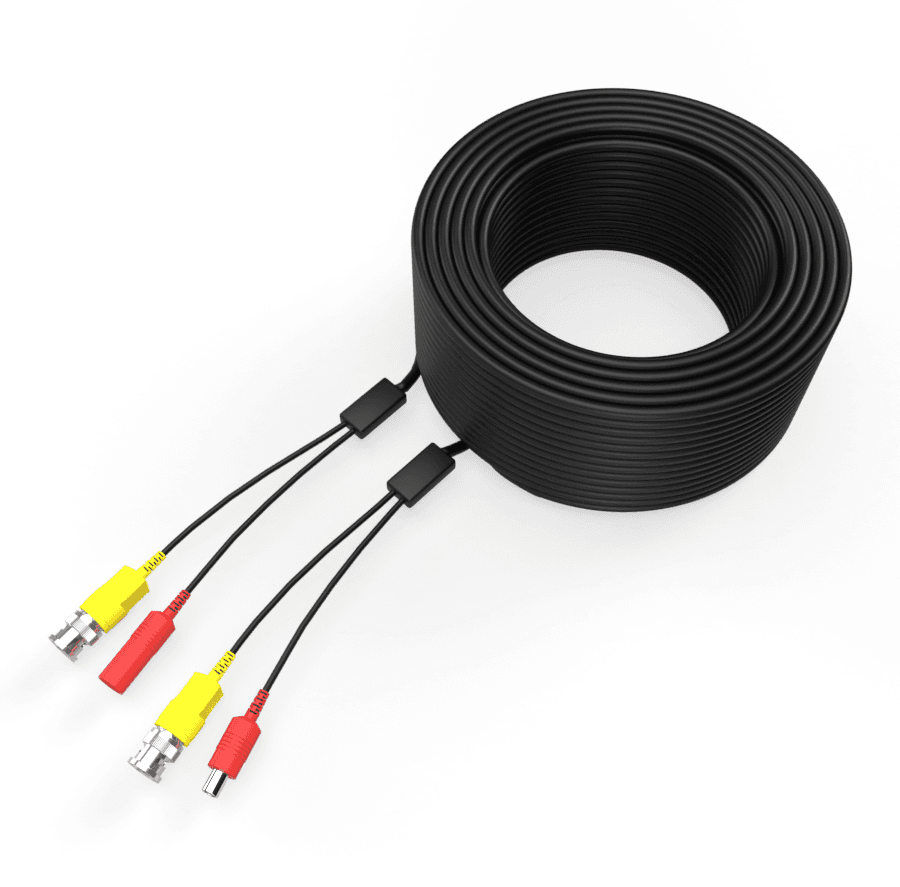
The PRXVR4H is a 4-channel hybrid XVR that records both AHD (analog HD over coax) and IP cameras simultaneously. Ideal for small installations migrating from legacy AHD systems to IP, or for environments where coax cabling is preferred.
P2P mobile access
The BitVision app (iOS/Android) connects via P2P — no port forwarding, no public IP. Just scan the QR code with the recorder's serial number. Remote viewing, playback, push notifications — all encrypted over SSL/TLS.
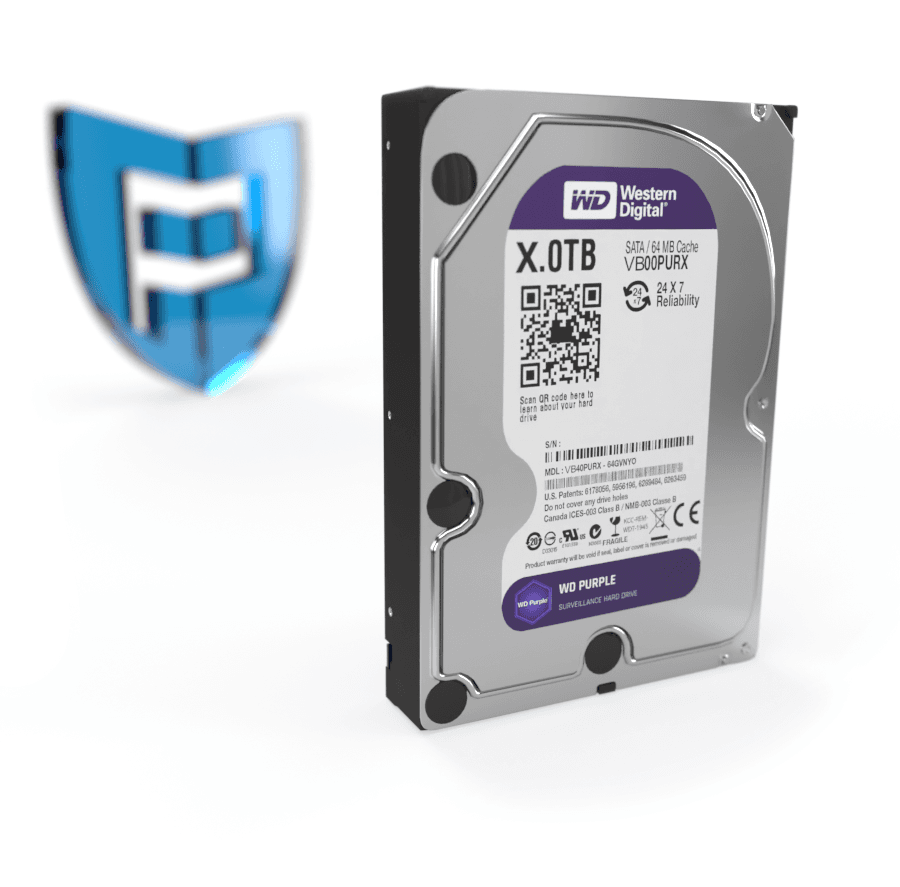
Postavený pro tisíce hodin záznamu. Bez ztráty kvality.
Bez veřejné IP
Mobile aplikace BitVision se připojí přes unikátní SN — bez port forwardingu.
Funguje s libovolnou kamerou
ONVIF Profile S/T/G — připojíte i kamery jiných výrobců přes standardní protokol.
Zapadne do toho, co už máte.
Co najdete v krabici.
Na co se zákazníci ptají nejčastěji.
Máte dotaz na konfiguraci nebo HDD? Naši technici poradí v pracovní dny 8:00–17:00.
Kontaktovat podporuCo říkají zákazníci, kteří si produkt už koupili.
Zatím žádné recenze. Buďte první po nákupu.
Datasheet, manuál a firmware.
Guides and articles, that may help.
Setting up a BitVision account and adding a device
BitVision is a cloud platform for managing PATRONUM cameras via mobile and PC. This guide walks you through account registration, adding a device by QR code, and starting remote monitoring.
Night vision types — IR, Smart Light, Color24 and Dual Light
What does a camera really see at night? A comparison of technologies — classic IR (black & white), Smart Light (color with floodlight), Color24 (color in minimal light) and Dual Light (combination). When to choose which?
Online camera system monitoring — costs and requirements
Find out what online monitoring of a camera system costs and what internet speed you need for smooth video streaming.
Connecting the camera system to the internet for remote monitoring
Remote viewing via P2P doesn't require a public IP address — just connect the device to the internet and use the mobile app. The guide shows P2P configuration, the DDNS alternative and port forwarding.
Mounting a security camera on an insulated facade
How to install a security camera correctly on an insulated facade — from preparing the mounting plate to protecting the cable connections.
Using SSDs to record video from CCTV systems
SSDs offer speed and durability, but also have their limits. Learn when SSDs make sense for camera systems and when an HDD is the better choice.