8× BULLET 8 Mpx · 40 m IR + NVR 16-kanál PoE
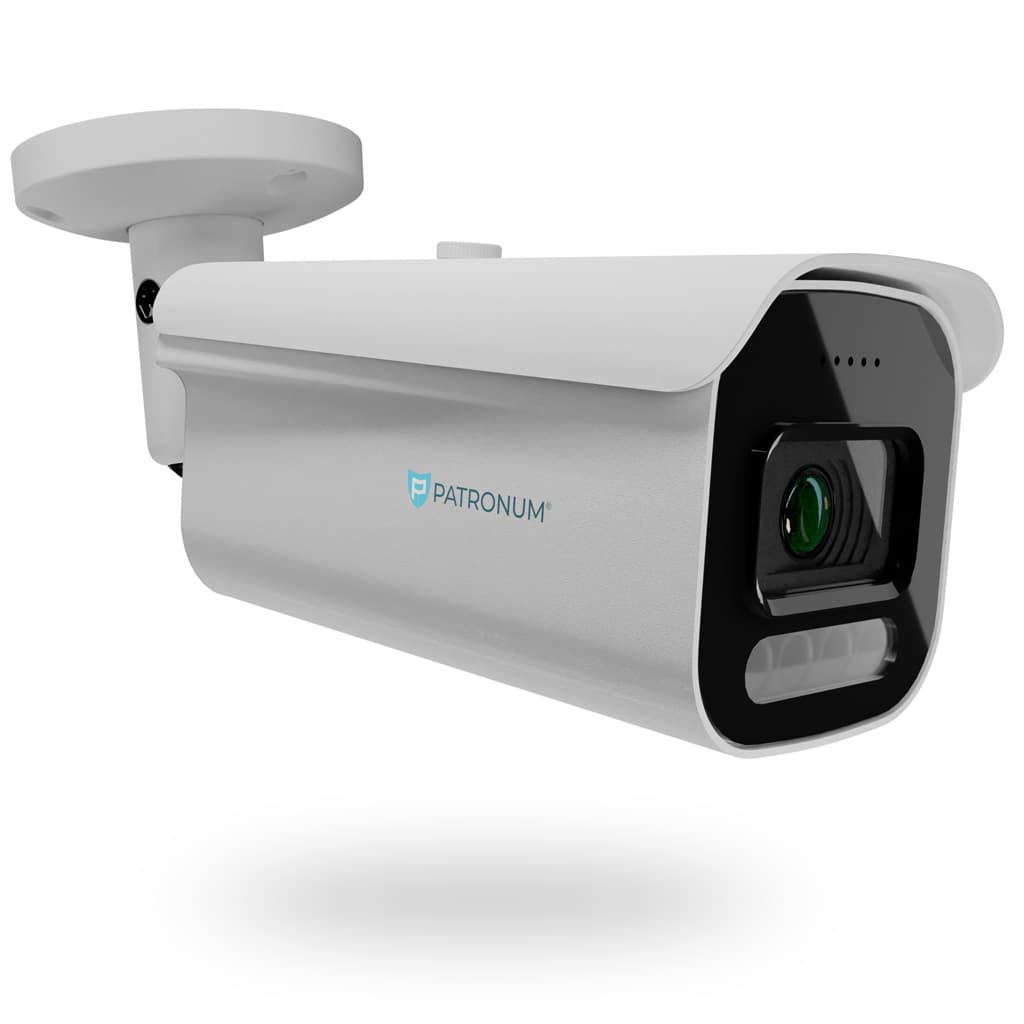
Sada 8 venkovních válcových kamer 4K s 40m nočním viděním + 16-kanálový NVR rekordér s 8× PoE napájením.
Co NVR 16 skutečně umí.
Kompletní sada 8× válcových kamer pro velký dům nebo firmu s prémiovým rozlišením 8 Mpx (4K) a nočním dosvitem 40 m.
8 kamer + 8 Mpx = top-tier zabezpečení velké nemovitosti. Ideální pro vilu, firmu, autoservis, sklad nebo restauraci. Rozlišení 8 Mpx zaručí detail obličejů i hrubě SPZ.
V balení dostanete:
- 8× venkovní IP kamera PATRONUM 8 Mpx (IP67)
- NVR rekordér 8 kanálů s předinstalovaným diskem 2 TB
- 8× síťový kabel Cat6 (18 m, PoE)
- Kompletní konektory, hmoždinky, montážní materiál
- Varovné cedule pro GDPR
Mobilní aplikace, AI rozpoznávání osob/vozidel, push notifikace. Záruka 24 měsíců, česká podpora 7/7.
Co říkají zákazníci, kteří si NVR 16 už koupili.
Zatím žádné recenze. Buďte první po nákupu.
Guides and articles, that may help.
Setting up a BitVision account and adding a device
BitVision is a cloud platform for managing PATRONUM cameras via mobile and PC. This guide walks you through account registration, adding a device by QR code, and starting remote monitoring.
Night vision types — IR, Smart Light, Color24 and Dual Light
What does a camera really see at night? A comparison of technologies — classic IR (black & white), Smart Light (color with floodlight), Color24 (color in minimal light) and Dual Light (combination). When to choose which?
Using SSDs to record video from CCTV systems
SSDs offer speed and durability, but also have their limits. Learn when SSDs make sense for camera systems and when an HDD is the better choice.
Which camera system technology to choose — AHD vs. IP
Comparison of AHD and IP camera systems: pros, cons, prices and recommended use to help you choose the right technology.
Security camera lenses
Overview of security camera lens types — from fixed focal length to varifocal zoom. We'll help you pick the right field of view.
Connecting the camera system to the internet for remote monitoring
Remote viewing via P2P doesn't require a public IP address — just connect the device to the internet and use the mobile app. The guide shows P2P configuration, the DDNS alternative and port forwarding.